Appearance
Exterior Restyle, Light & Landscaping
Make a house photo look more sellable—same facade, new style, landscape, or time of day.
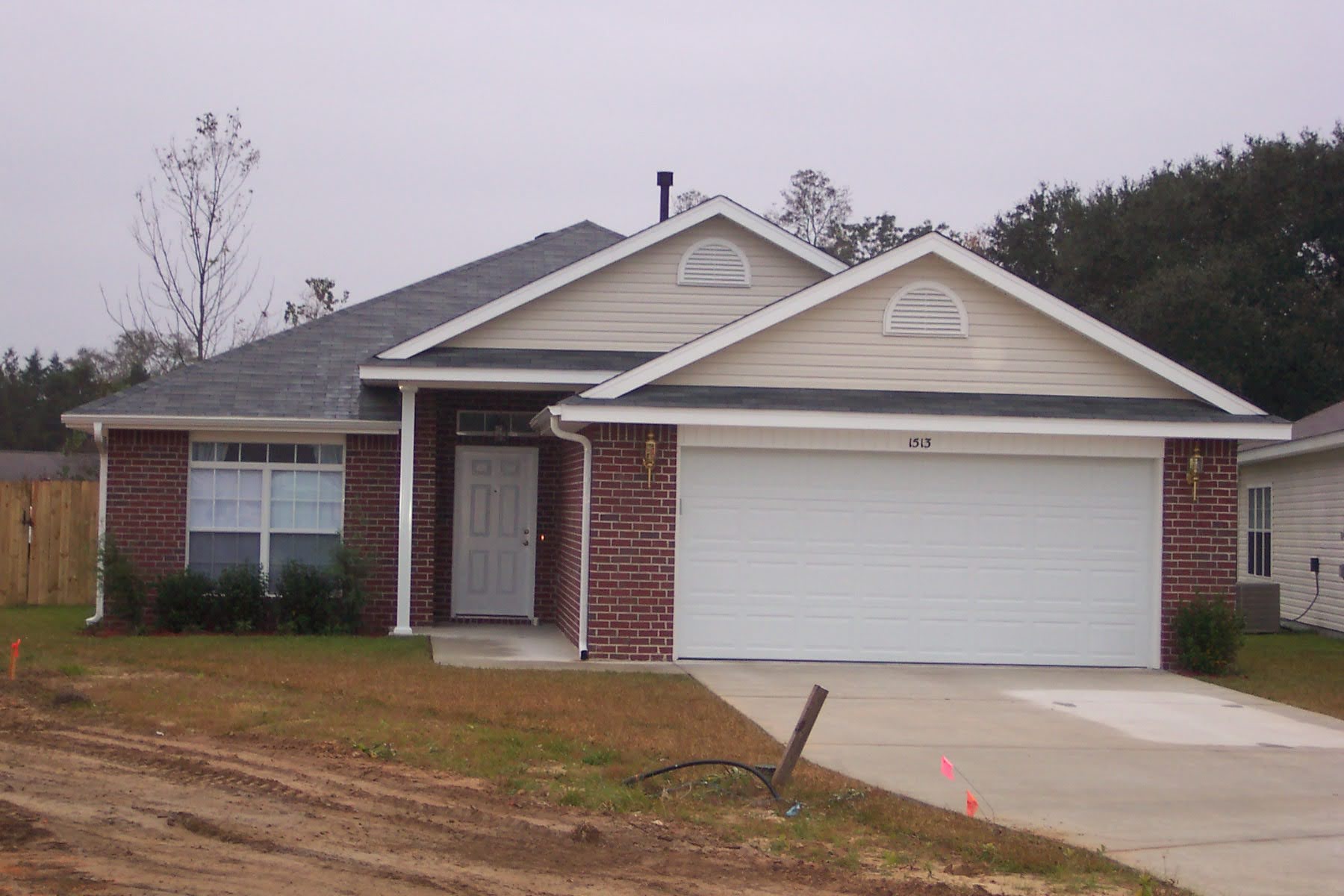
Upload your exterior
Click + New. Upload a clear front or street view—readable roof, windows, and yard help.

Use the Assistant
Open the Assistant and click a Prompt Option—or paste a path prompt below.
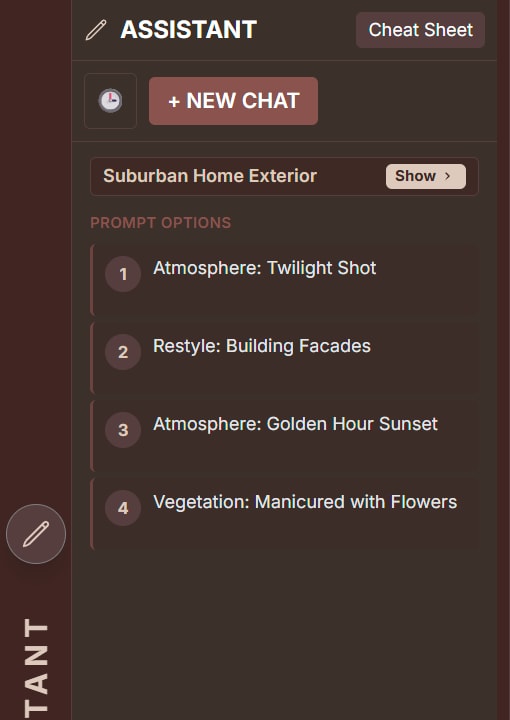
Path A — Whole-scene restyle
Swap the look of the entire scene while keeping the camera and massing.
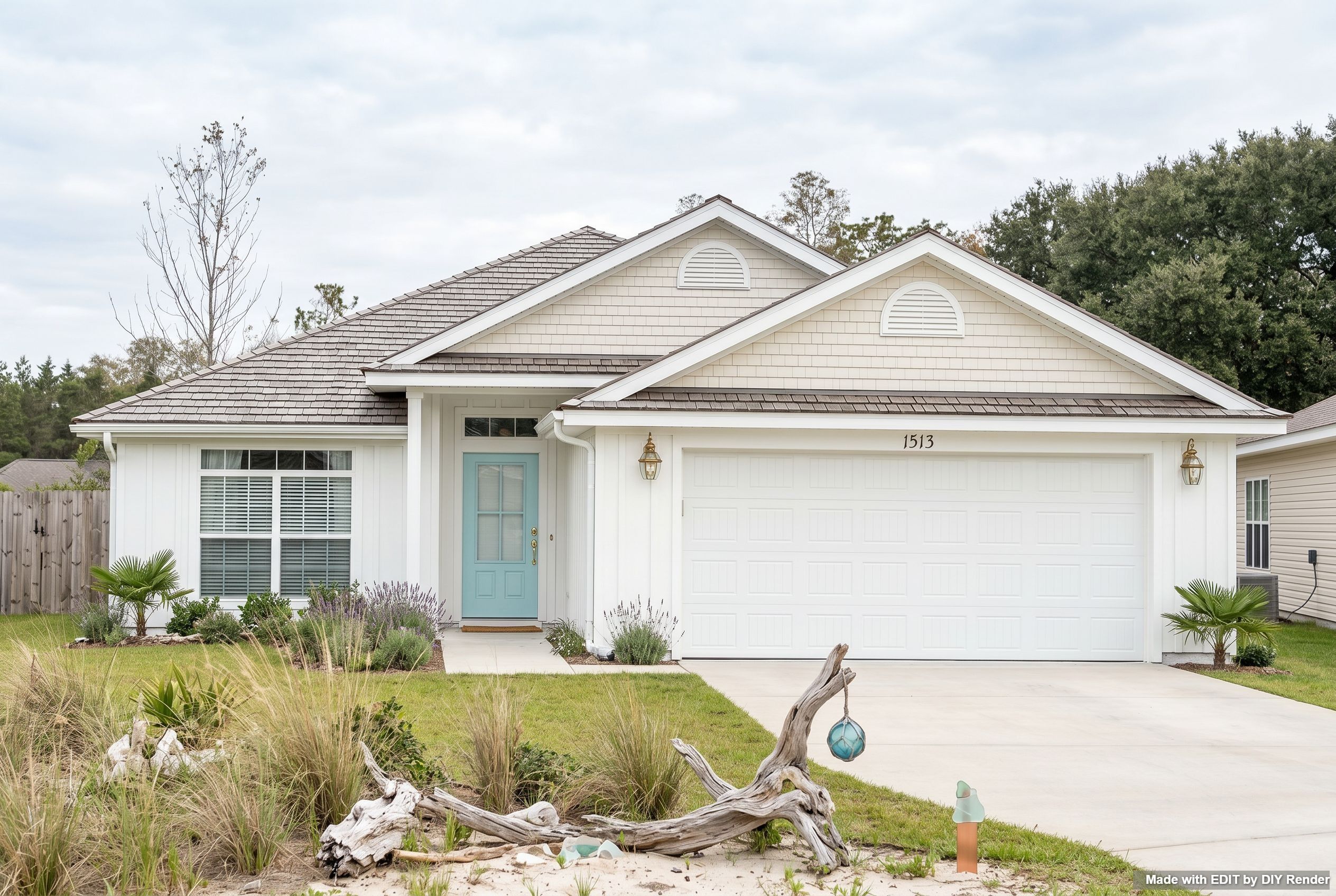
Example: Coastal Restyle Entire Scene
Prompt
COASTAL: Virtually restyle this entire scene. Maintain composition.Path B — Landscape polish
Upgrade planting and daylight for curb appeal without redesigning the house.
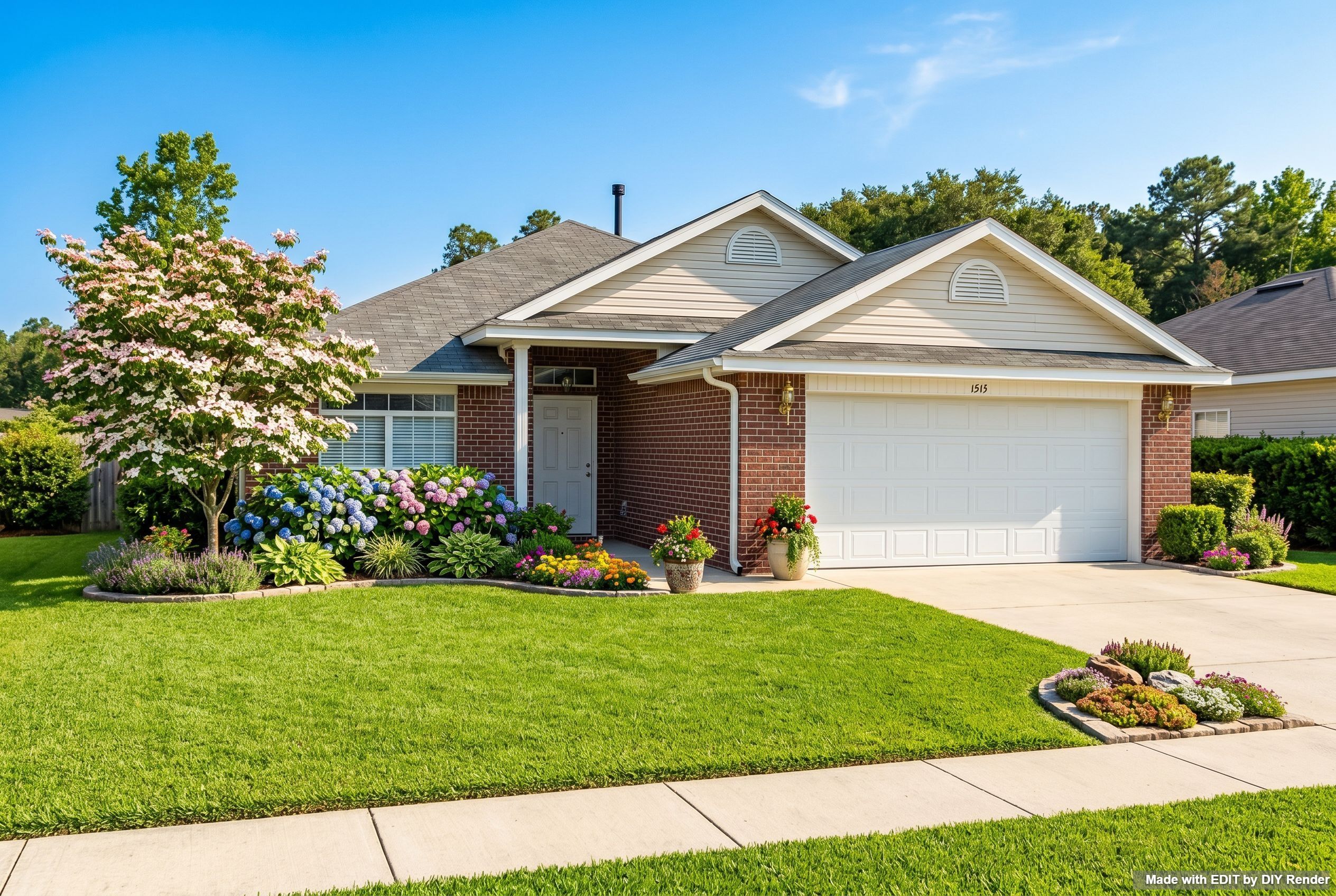
Example: Manicured Garden Sunny Day
Prompt
Manicured Garden, Flowers enhance the exterior landscaping with typical, balanced suburban planting. The edits must be photorealistic. turn this scene into a sunny day.Path C — Twilight for listings
Turn a daytime photo into an evening marketing shot with matching property lighting.
Example: Evening Exterior
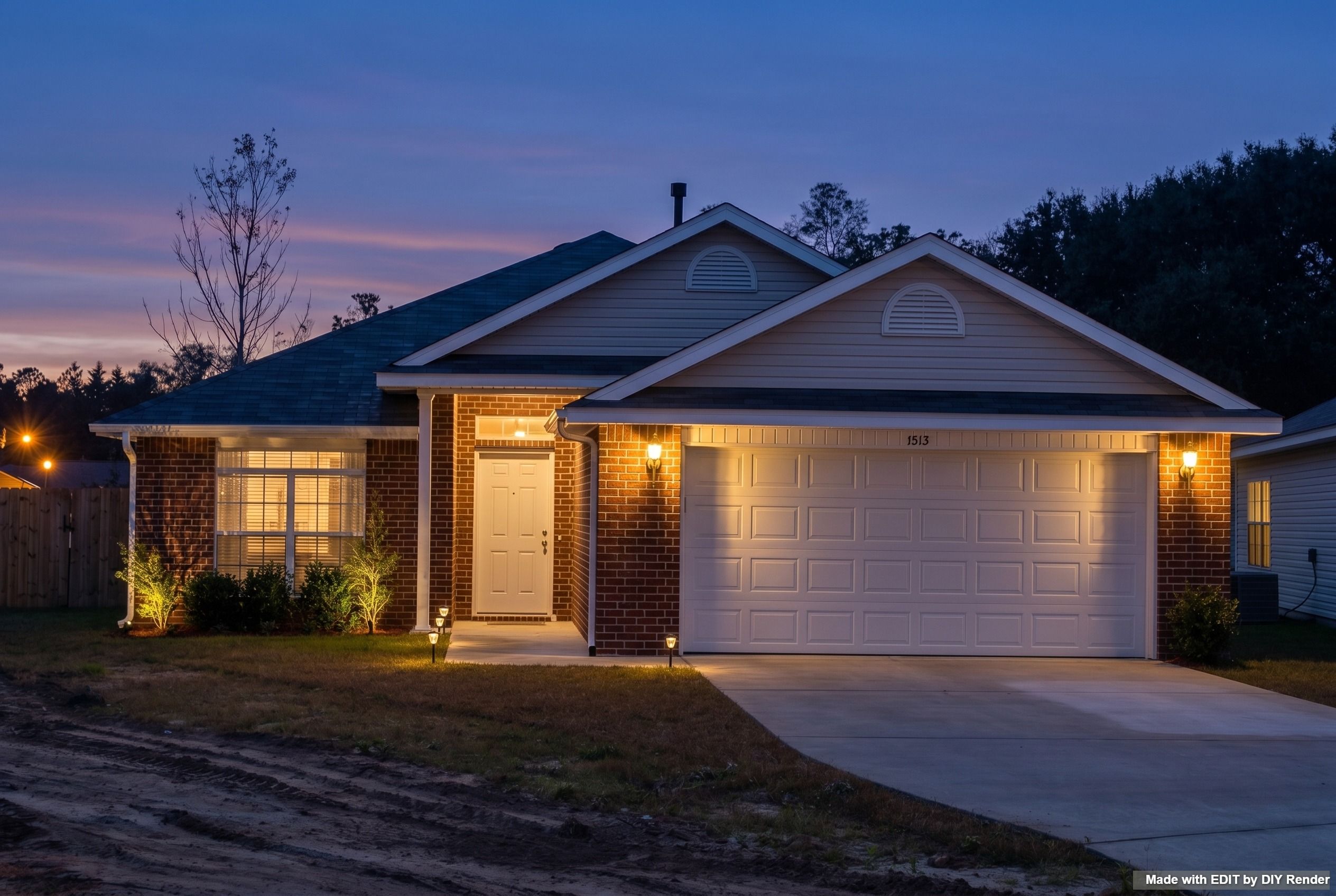
Prompt
Twilight Shot change the atmosphere and lighting of this exterior photo. The lighting on the property must realistically match.For more sky and time-of-day options after a restyle, try Sky & Lighting. For era / redesign packs, see House Age & Redesign.
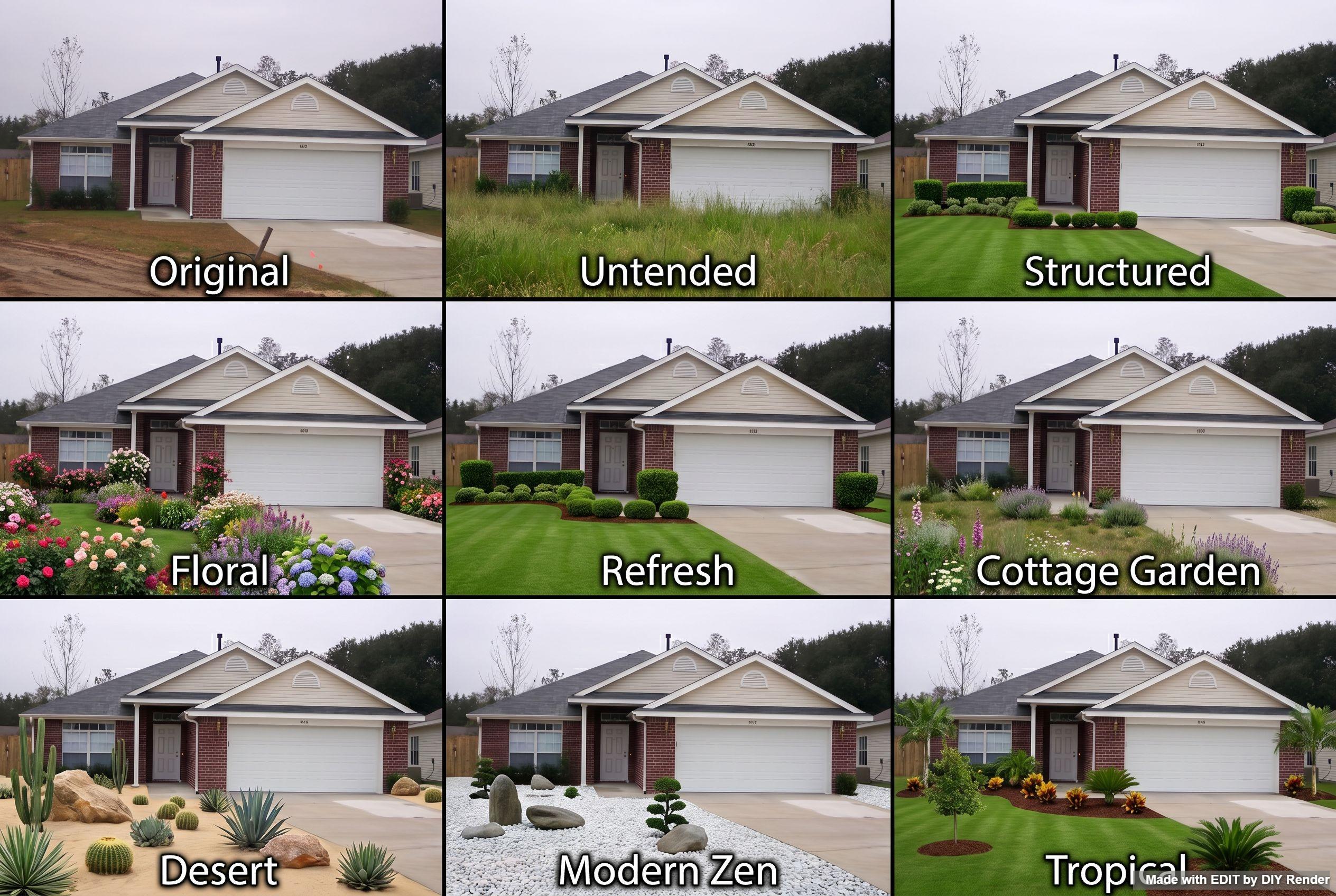
Go Further: Compare landscape styles
Run a Landscape Styles grid on your exterior to compare yard looks—then Enhance the panel you like.
Grids are only available in EDIT. Find them via the Assistant Cheat Sheet, or click Grids above the main prompt area:

Example: Landscape Styles
More guides
Same app—different job:
- Roofing & Facades — roof swaps, Multi-Roofs, facade packs
- 3D elevations — drawing → photoreal exterior
- Storefronts — retail facade rebrand
Browse every how-to with previews: All guides.
Refresh curb appeal without a reshoot.
Try EDIT free — no credit card.