Appearance
Adding objects
Mark where the object goes, attach a photo of it, and list the real size—Refine plus measurements beats a whole-room restyle.
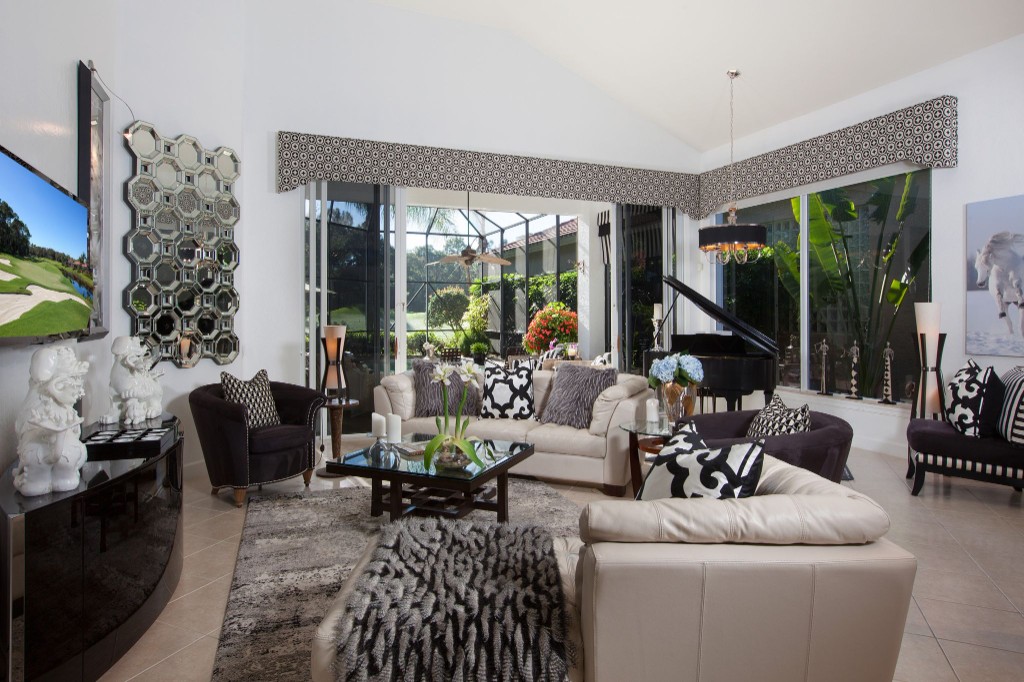
Upload your interior
Click + New. Upload a room photo with a clear wall or floor where the object should sit.

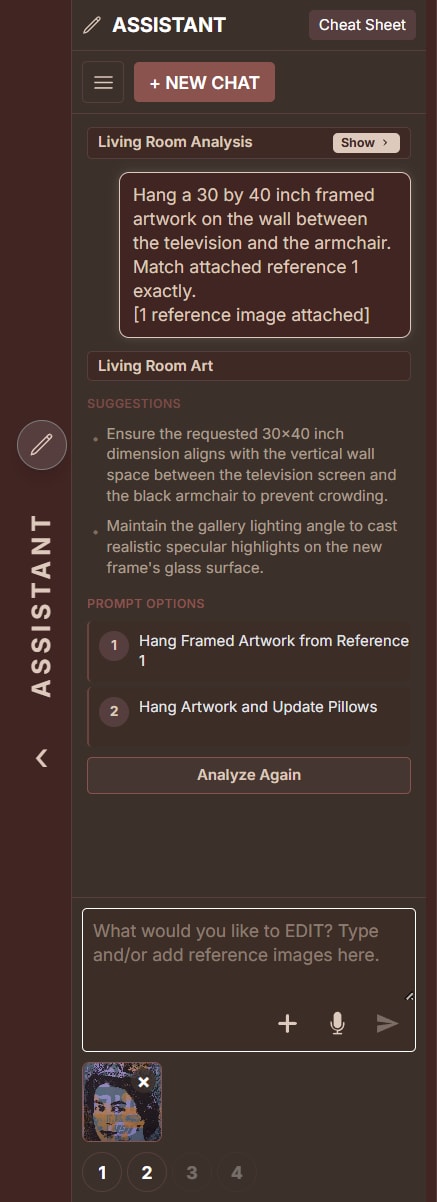
Attach the object as a reference

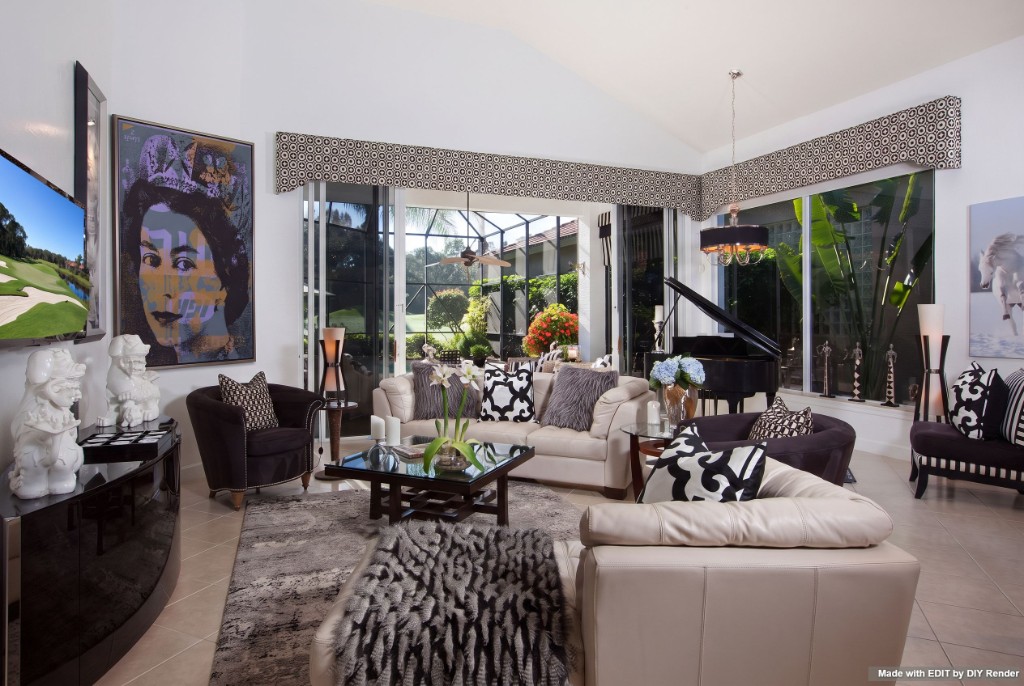
Artwork: Peter Mars. Courtesy Aldo Castillo Gallery. This example uses a 30 × 40 inch print.
Attach a photo of the artwork or object in the Assistant. Tell it what to hang and where—that file is the source of truth, so the prompt should match it, not invent a lookalike.
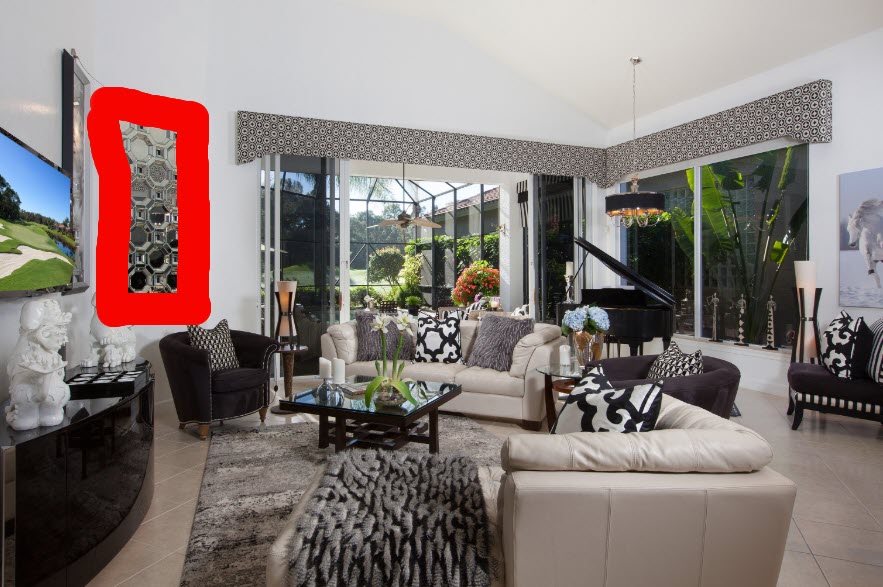
Mark the spot in Refine
Open Refine. Circle or mark the existing art—or the blank wall, floor, or tabletop. Red marks tell EDIT what to replace; everything outside the mark stays put.
List the measurements
Name width and height in the prompt (depth too, for furniture or sculpture). Scale is what keeps a 30 × 40 inch canvas from reading as a poster or a mural.
Example: Add Artwork
Prompt
On the wall between the television and the armchair, match attached reference 1 exactly as a 30 inch by 40 inch framed artwork. Hang it at realistic scale in the marked area. Thin dark frame, glass reflection, and a soft contact shadow on the wall. Do not change anything else in the room.Same method for other objects
Artwork is the Refine + reference path. A chair swap on the default interior sample works the same way in Base: name the object, give the size, and lock the rest of the room.


Prompt
Replace the dark grey lounge chair with a cream boucle barrel accent chair, approximately 30 inches wide by 32 inches deep by 30 inches high. Keep the bed, nightstand, round side table, window, walls, floor, rug, lighting, and camera unchanged. Photorealistic with an accurate contact shadow.A lamp, a sculpture, or a console uses the same pattern: mark or name the spot, attach a photo if you have one, put width × height (and depth) in the prompt, and say what must not change.
More guides
Same app—different job:
- Virtual staging — furnish or restyle a whole room
- Interior Floors, Cabinets & Lights — swap finishes without moving furniture
Browse every how-to with previews: All guides.
Hang the real piece at the real size.
Try EDIT free — no credit card.